

Universal Capture
Save images, videos, and links straight from any app into your library across iPhone, iPad, and Mac.
Private visual archive
Hive is a private visual reference library for iPhone, iPad and Mac, where you save, organize and find images and inspiration in one place.
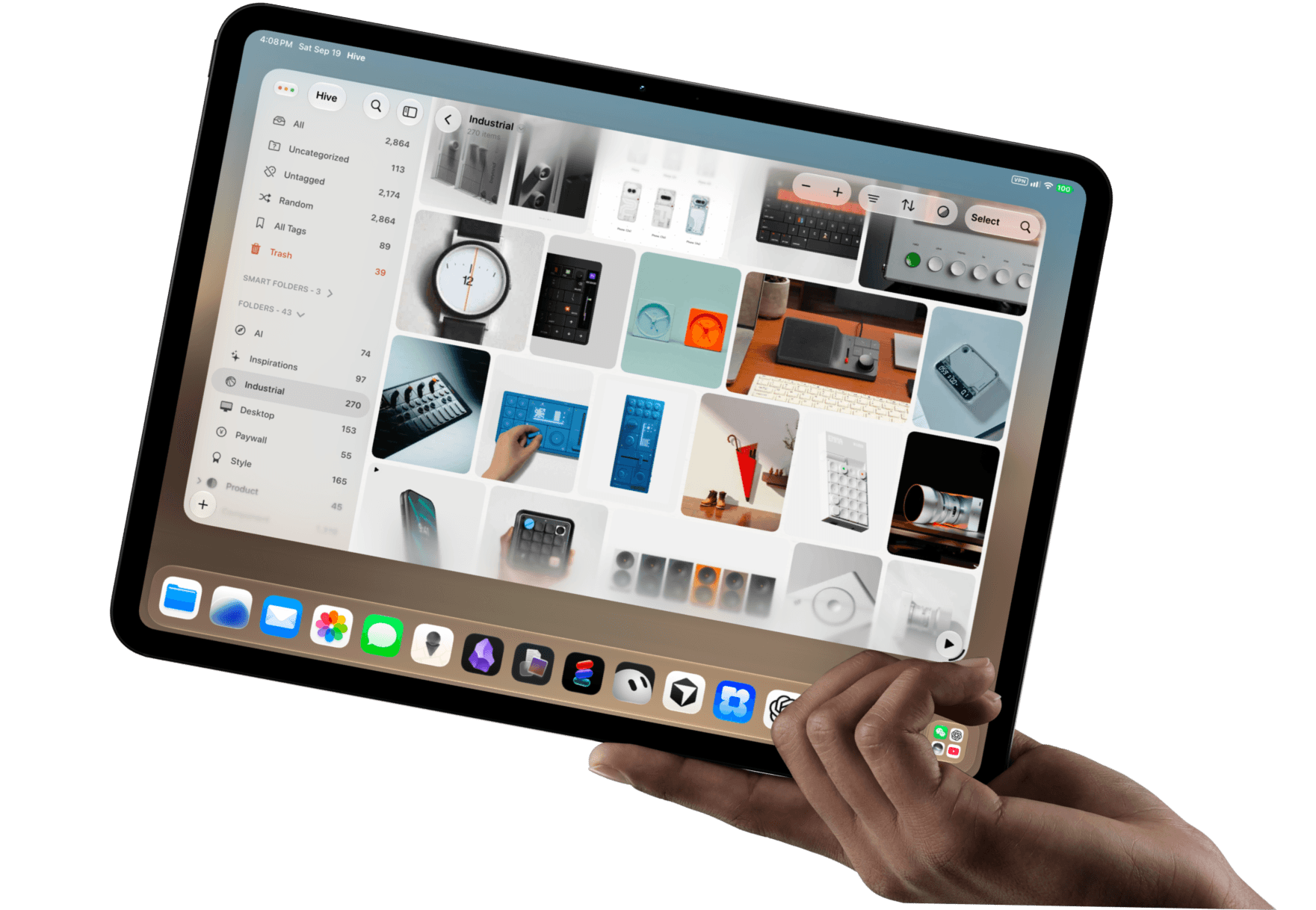
From rapid mobile saves to deep desktop curation, every feature keeps your inspiration organized and alive.
Save images, videos, and links straight from any app into your library across iPhone, iPad, and Mac.

Keep original source URLs, tags, ratings, and notes permanently attached to every saved reference.

Structure your projects with nested folders, smart rules, and tags—with zero algorithmic distractions.

Review your visual boards anywhere with fluid, responsive grids designed for quick mobile judgment.

Your files live directly on your hardware for instant offline access, with optional iCloud sync.

Lock confidential client projects, unreleased work, and private boards behind custom folder passwords.
Hive is built around retrieval, not a single feed. Switch between Adaptive, Gallery, Waterfall, and Square without leaving the same private library.








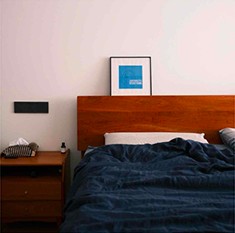
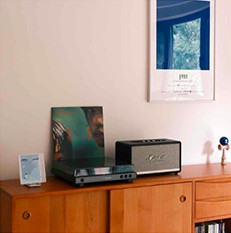



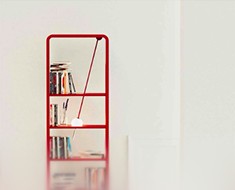

Drag from the desktop, share from the phone, or capture from the browser — the same private library is waiting on every device.

Photographers, interior teams, illustrators, and studio leads keep the working set in Hive — on the device already in hand.
Light from between calls still has to hold later.Hive keeps that set on my iPhone — no feed.
Hive is a private visual reference library for creatives. The same library lives on iPhone, iPad, and native Mac. Save images, videos, links, and files; organize them; find the working set later — without a public feed. It can work alongside a desktop Eagle archive, but it is not the official Eagle app.
Read on SupportYes. Hive is a native macOS app on Apple Silicon Macs, with clearer viewing and smoother mouse. iPhone, iPad, and Mac can share one private library. Cross-device sync is Pro; Free stays on-device. Mac itself is not a Pro gate — you do not need Pro only because you opened the Mac app.
Read on SupportFree is a real private library on iPhone, iPad, and Mac: limited libraries, on-device use, and basic Smart Folders. Pro adds more private libraries, sync, Smart Folders, and Eagle import. In the US App Store, Pro is $3.99 a month, $19.99 a year, or $34.99 once. Other countries may differ. Checkout is the App Store sheet.
Read on SupportYes by design. Hive’s App Store privacy label reads Data Not Collected. There is no tracking feed and no pressure to perform for an audience — the library is for retrieving your own working set.
Read on SupportNo. There is still no official Eagle app for iPhone or iPad. Hive is a separate private library on iPhone, iPad, and Mac; Pro can import Eagle libraries.
Read on SupportSave from the share sheet, drag straight in on the Mac, or bring over a whole Eagle library. The same private library opens on iPhone, iPad, and Mac.