
Support Article
Can I use Eagle libraries on iPad and iPhone?
Yes, but the practical answer is a compatible mobile workflow rather than a full desktop archive on a smaller screen. For most people, that means using iPhone for capture, iPad for review, and desktop for deeper maintenance.
Yes, the practical approach is to use a compatible mobile workflow on iPad and iPhone for capture, browsing, and review rather than expecting full desktop archive maintenance.
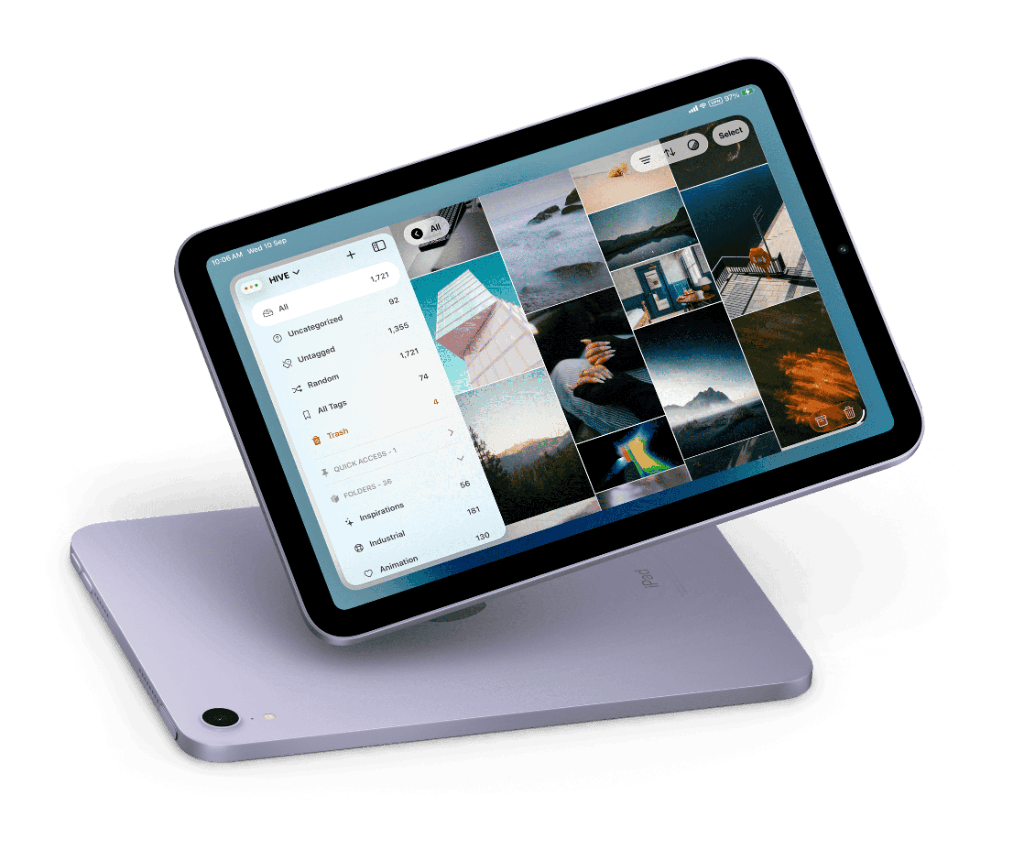
Use phone and tablet for the jobs they are good at
iPhone is strong for fast intake while the source is still visible. iPad is strong for review, browsing, and narrowing. That is the most realistic way to keep an Eagle-style workflow moving on mobile.
Do not force every archive task onto mobile
The point of mobile is continuity, not duplication of every desktop feature. Keep the deeper archive work on desktop where it is easier to do well.
Hive fits this use case
Hive helps Eagle users keep the mobile part of the workflow practical without claiming to be the official Eagle app.
Questions
What is iPhone best for?
Fast capture while browsing, researching, or saving from the web.
What is iPad best for?
Review, browsing, shortlisting, and light cleanup of active references.
Do I still need desktop?
Usually yes. Desktop remains the better place for deep archive maintenance.
Related