Support Article
What is the best mobile workflow for Eagle users?
For most Eagle users, the best mobile workflow is simple: use iPhone for fast capture, iPad for review and narrowing, and desktop for deeper archive maintenance. That split keeps mobile useful without forcing every job onto a smaller screen.
The best mobile workflow for Eagle users is usually iPhone for capture, iPad for review, and desktop for deeper archive maintenance.
Start with the phone
Use iPhone for fast intake while browsing, researching, or saving from the web. This keeps new references from disappearing before they ever reach the library.
Move to iPad for the second pass
Use iPad to review recent saves, compare options, and shape a shortlist. It is the calm middle layer between capture and full archive maintenance.
Keep desktop for heavier work
Desktop remains the stronger place for large cleanup sessions and deeper archive structure. The workflow stays lighter when each device has a clear job.
Questions
Why not do everything on iPhone?
Because phone is best for speed, not long review or deeper organization.
Why not wait for desktop for everything?
Because useful references often appear between desktop sessions and need to be saved immediately.
Where does Hive fit?
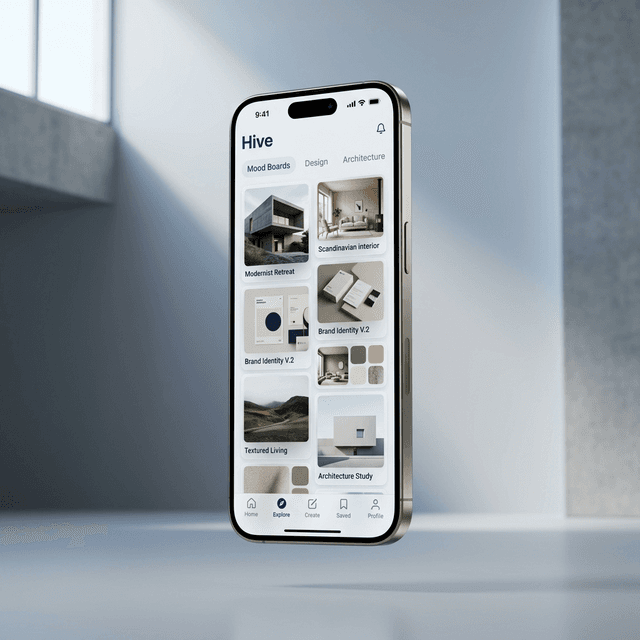
Hive fits the mobile layer by making phone capture and iPad review much smoother for Eagle users.
Related