Article
Eagle Never Breaks in the Archive
A reference can arrive in a message at lunch and become strangely unconvincing by dinner. The image survives. The thread that made it matter often does not.
This is the part Eagle users feel first when they look for Eagle on iPad, Eagle on iPhone, or any workflow that works with Eagle away from the desk. A link lands in Slack before a client review. An illustrator saves a costume detail from Safari on the train. A photographer catches a styling reference between calls. By the time the day slows down, the material is still there, but the thread that made it convincing has already started to thin.
That is why the missing piece is not a perfect desktop mirror on iPhone or iPad. It is an Eagle-compatible workflow that keeps the save legible between capture, review, and archive. Hive is useful in that specific gap: it gives the mobile half of the process a place to keep the image, source, note, and project context together before desktop archive takes over.
The mobile gap
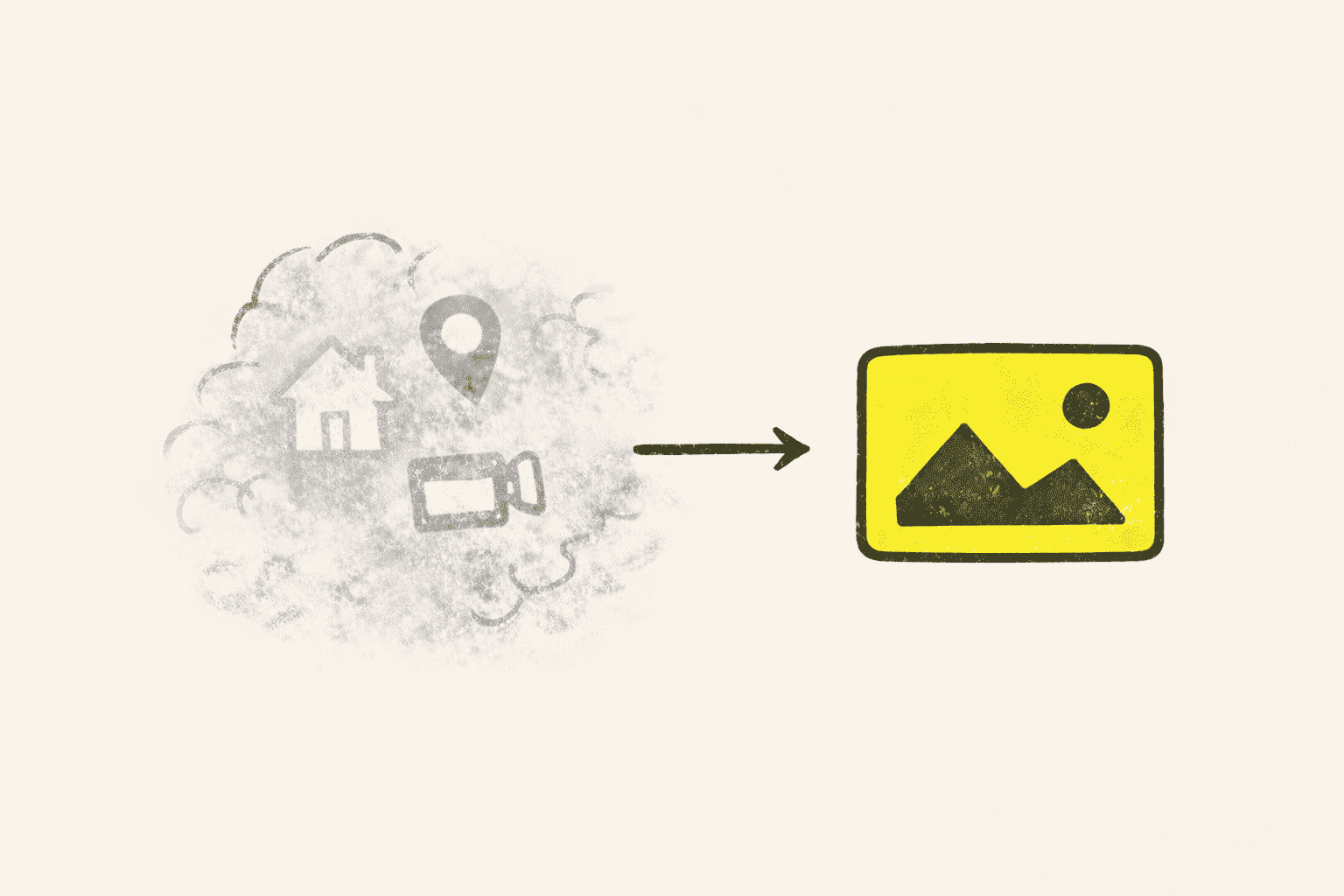
Most people describe this as an archive problem. It usually starts earlier. The screenshot survives. The vendor page closes. The Slack thread disappears under newer messages. The note that would have explained the save never gets written. When the file finally reaches the archive, the object is intact but the reason it mattered is already gone.
That is why the first break in an Eagle workflow often appears on mobile. The work is still moving, the desk is not available, and the reference has to survive a few unstable hours before it becomes something the archive can actually keep.
Why phone is fragile
The phone is fragile because this is where references first appear: Safari, Instagram, Slack, Messages, Pinterest, and email. Saving fast feels efficient, but it often strips a useful reference down to a detached image. Later, the project has to explain it from memory.
For illustrators, art directors, photographers, and product designers, that missing context is usually the important part. A costume image may need the original thread. A material reference may need the vendor link. A UI benchmark may need the surrounding flow, not just the screen.
Why iPad matters
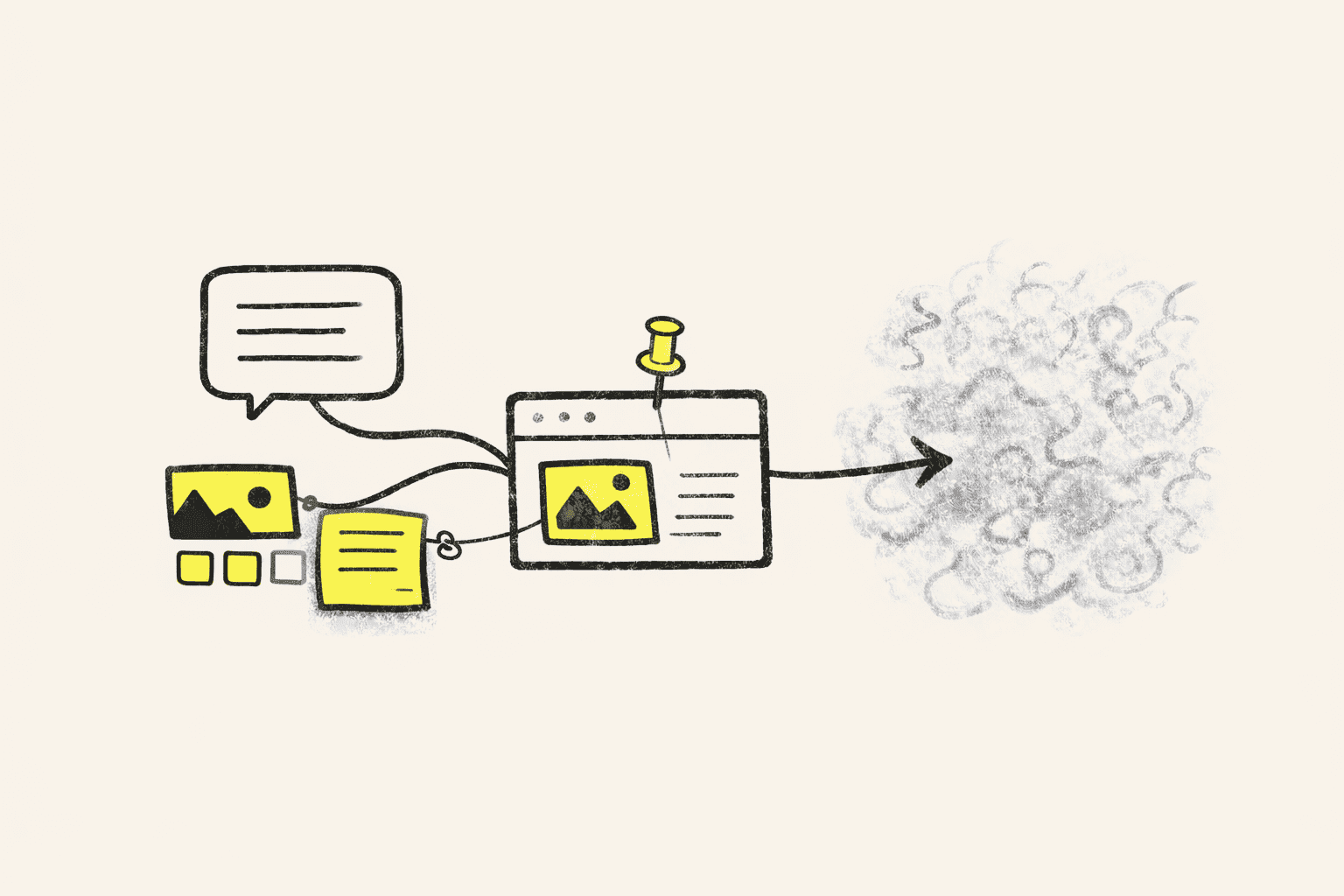
The iPad matters once the work shifts from catching material to judging it. You are not trying to run the whole Eagle archive there. You are trying to reopen the active set, compare three options, tighten a shortlist before review, or show a client the references that still deserve to be in the room.
That is why iPad comes before desktop in the real workflow. It is the place where a living set can still be edited, discussed, and cut down before the archive hardens around the wrong material.
Narrower is safer
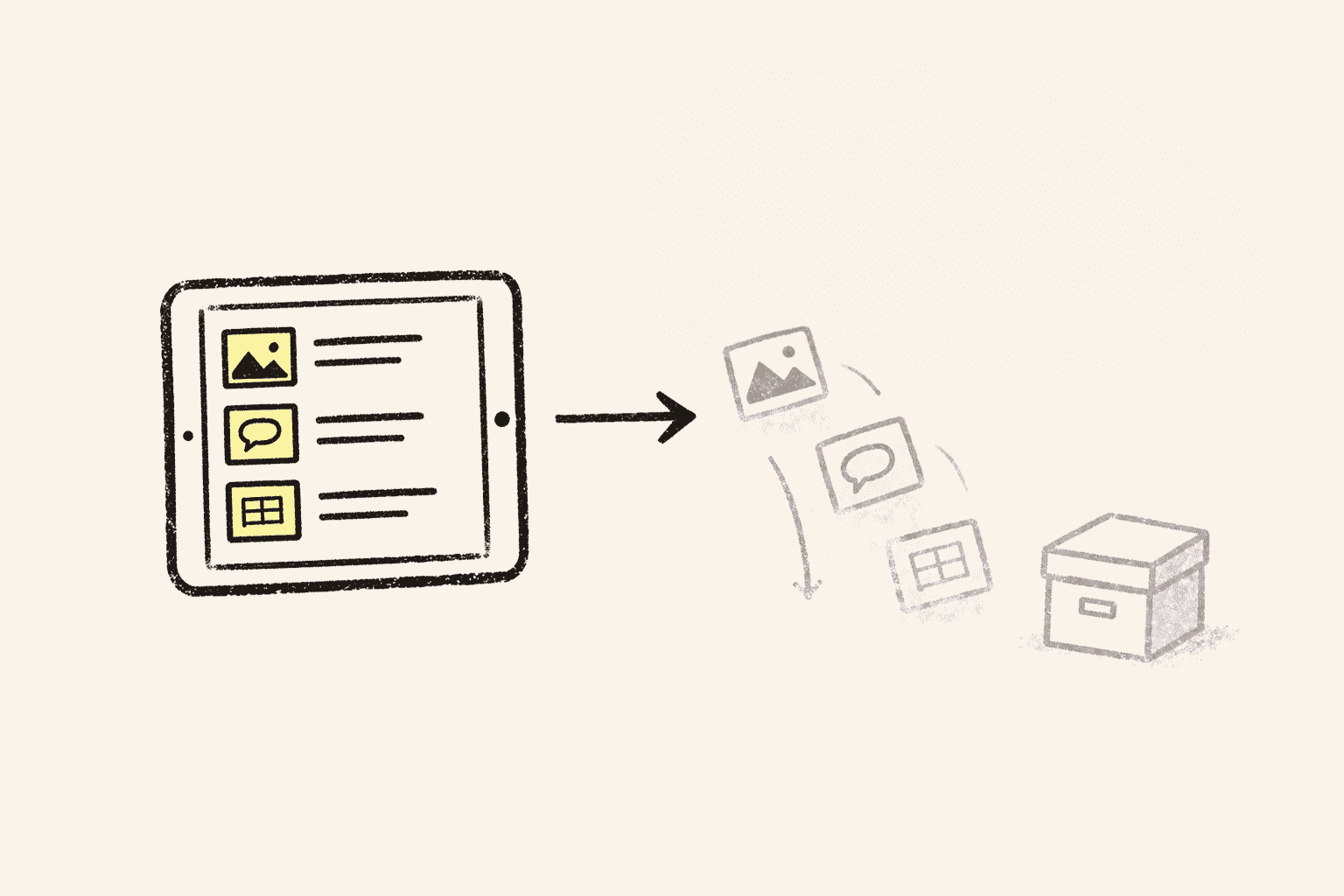
Mobile gets more trustworthy when it stops trying to do everything. Turning phone and iPad into full archive consoles usually creates noise. You end up spending thin attention on maintenance instead of on capture or judgment.
A calmer split is narrower. Phone catches the reference while the source is visible. iPad reopens and narrows the active set. Desktop keeps the slower archive. The value is not parity. It is a clean handoff.
What the handoff needs
This is the part where Hive actually works with Eagle. It handles the mobile half of an Eagle-compatible workflow, so capture and review do not have to happen across screenshots, browser tabs, and temporary notes.
On iPhone, Hive can save the image, the source page, a note, and the project context while the tab or thread is still open. On iPad, the same material can come back as a readable working set with folders, tags, search, and notes still attached. That makes shortlisting, review, and client-facing comparison much calmer.
If you are looking for Eagle on iPad, Eagle on iPhone, or a workflow that works with Eagle away from the desk, that is usually the real missing layer. Not another full archive, but a place where capture and review can stay coherent long enough for the reference to survive the day.
For Eagle users, that is the practical relationship. Hive does not replace the archive. It gives the mobile side a structure: save with source, reopen on iPad, narrow the set with folders and tags, then hand something intelligible back to Eagle instead of handing over a folder of unexplained images.
Notes
Is Hive the official Eagle iPad app or Eagle iOS app?
No. Hive is not the official Eagle iPad app, Eagle iPhone app, or Eagle iOS app. It is a separate app for people who need a stronger mobile handoff around an Eagle-centered workflow.
Why is a screenshot usually not enough?
Because a screenshot often keeps the image but drops the source, context, and reason the save mattered. That makes the reference much harder to trust later.
What is iPad best for in this workflow?
iPad is strongest for review, shortlisting, and showing the active set to another person. It is especially useful before a client conversation or an art-direction decision.
What part of the workflow is best on iPhone?
iPhone is strongest for catching references while the source is still visible and the surrounding context still makes sense.
Who benefits most from this setup?
People who collect references away from the desk, review visual directions on iPad, or need to present a living shortlist to clients tend to feel the value most clearly.
Related
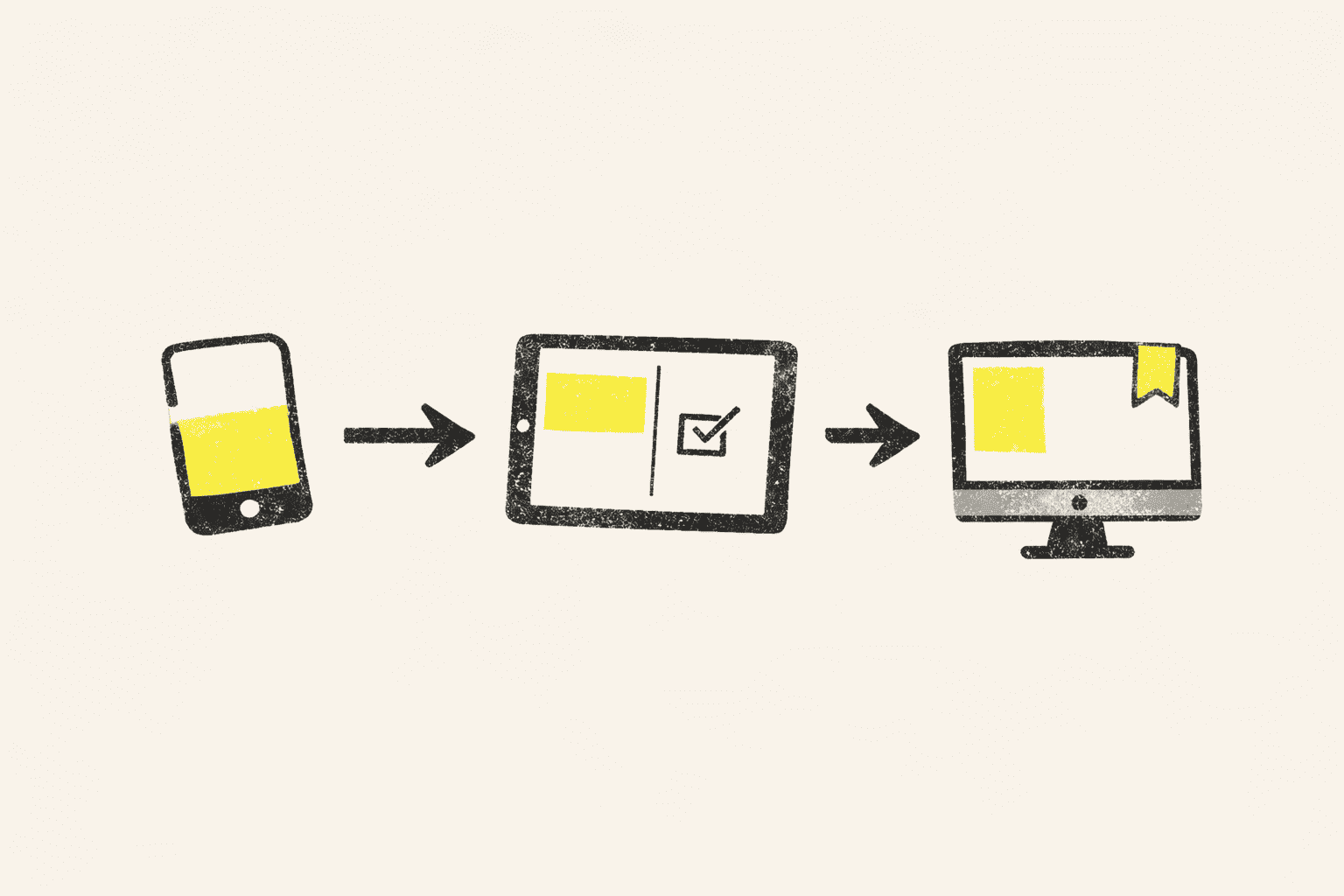
One Eagle Library across devices
The workflow gets steadier when phone, iPad, and desktop stop trying to do the same job.
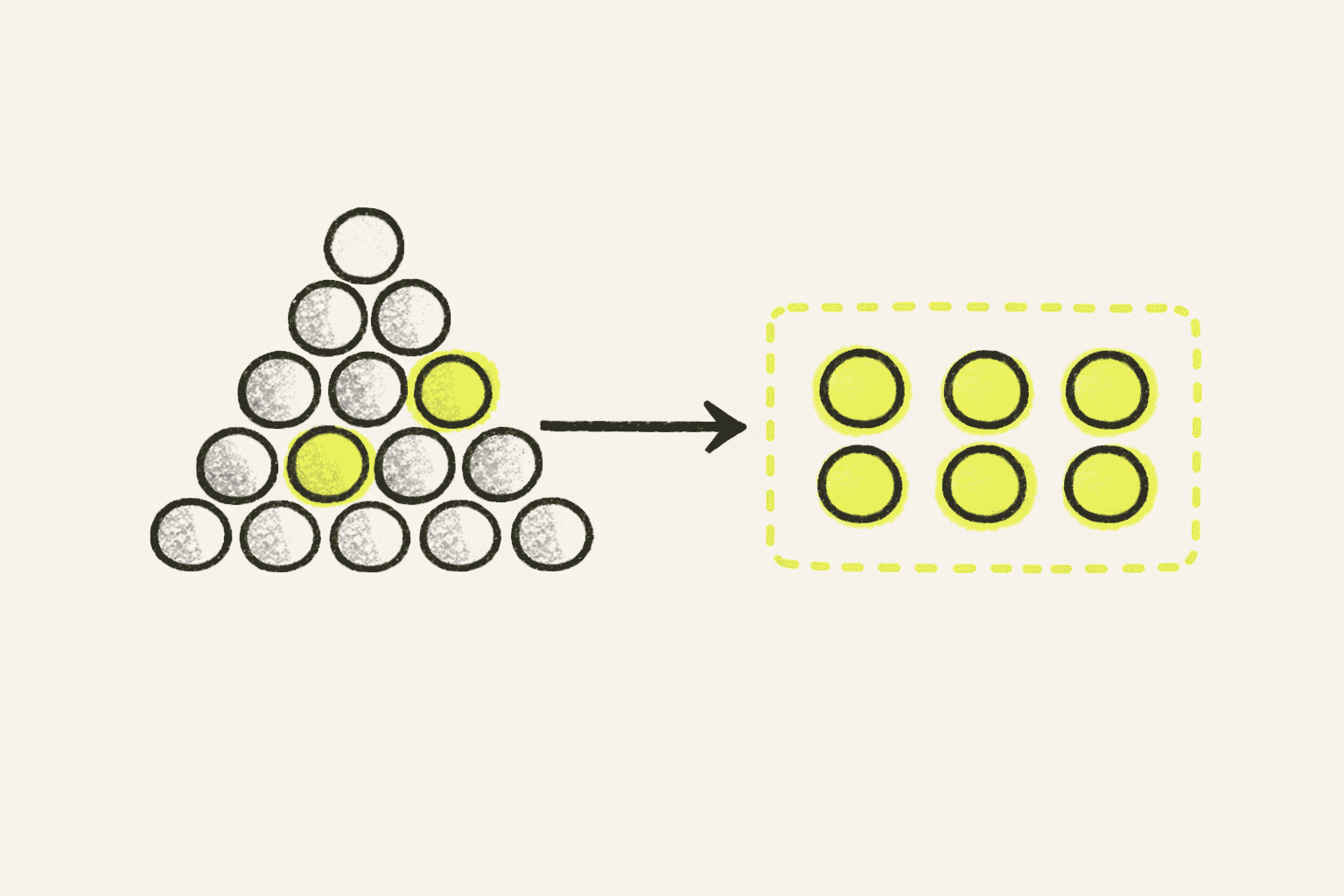
The working set is the whole point
The real test is simple: can you reopen the exact working set before review without hunting through the whole archive?
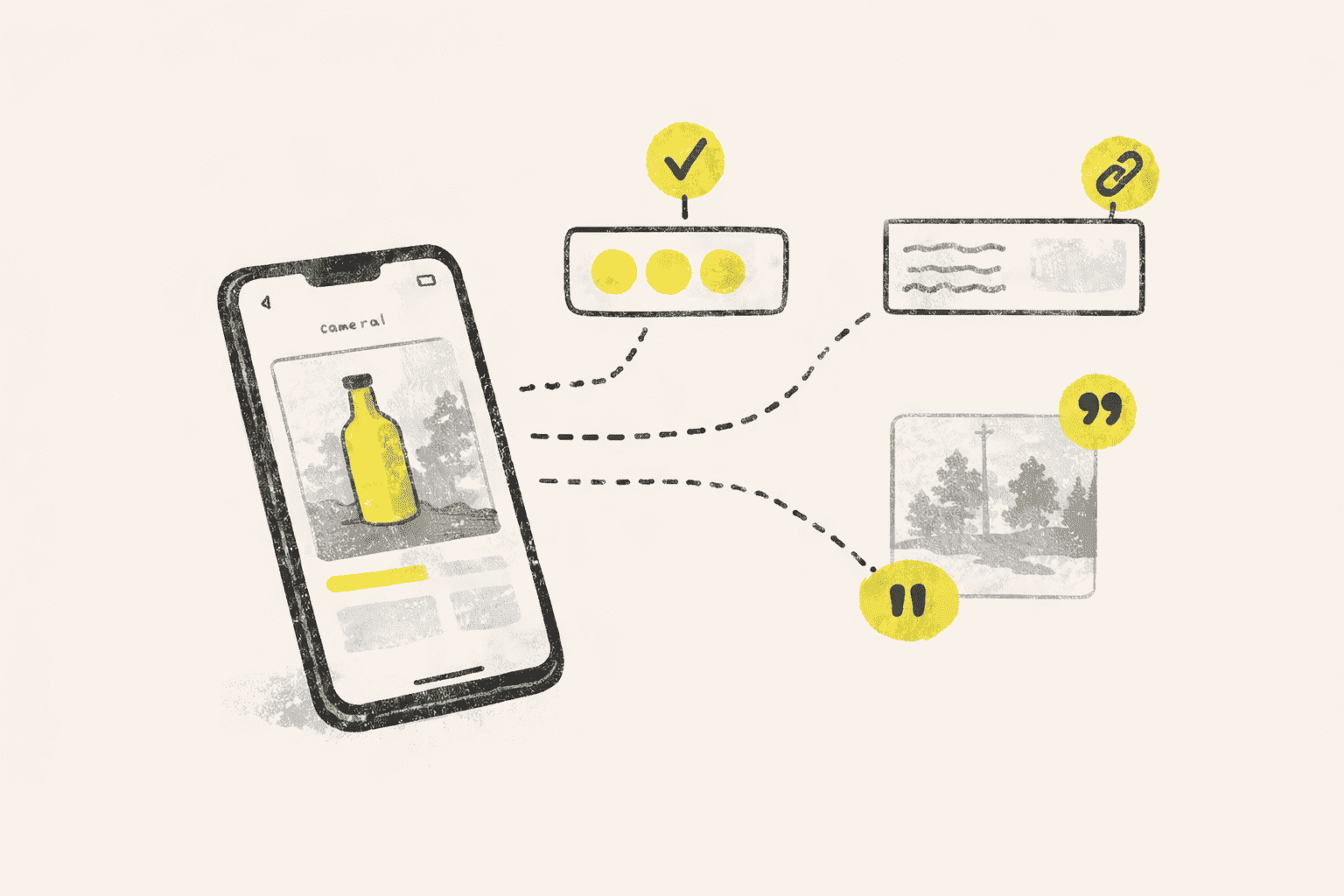
Save the page, not just the picture
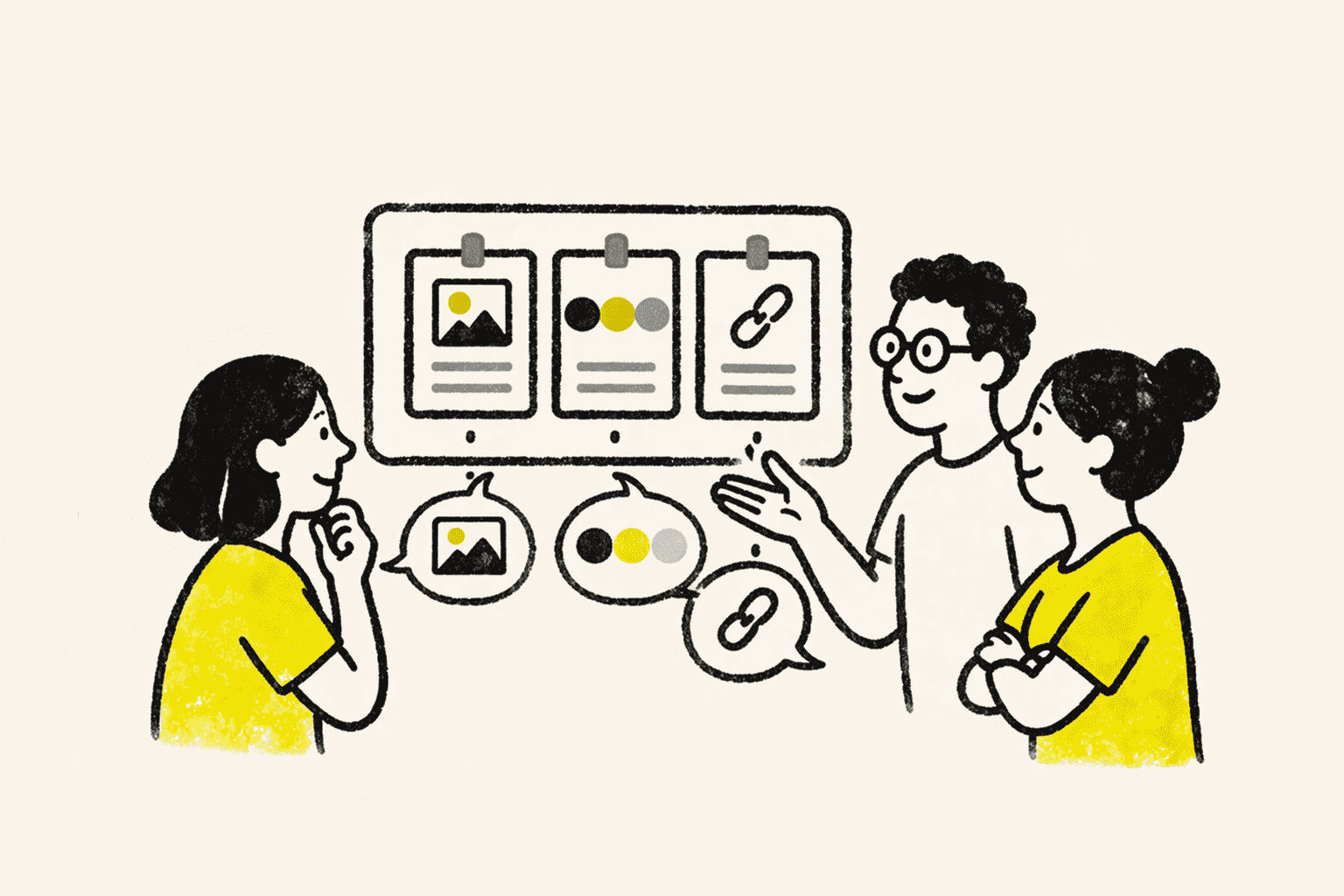
A saved reference stays useful when the image, link, and surrounding context survive together.
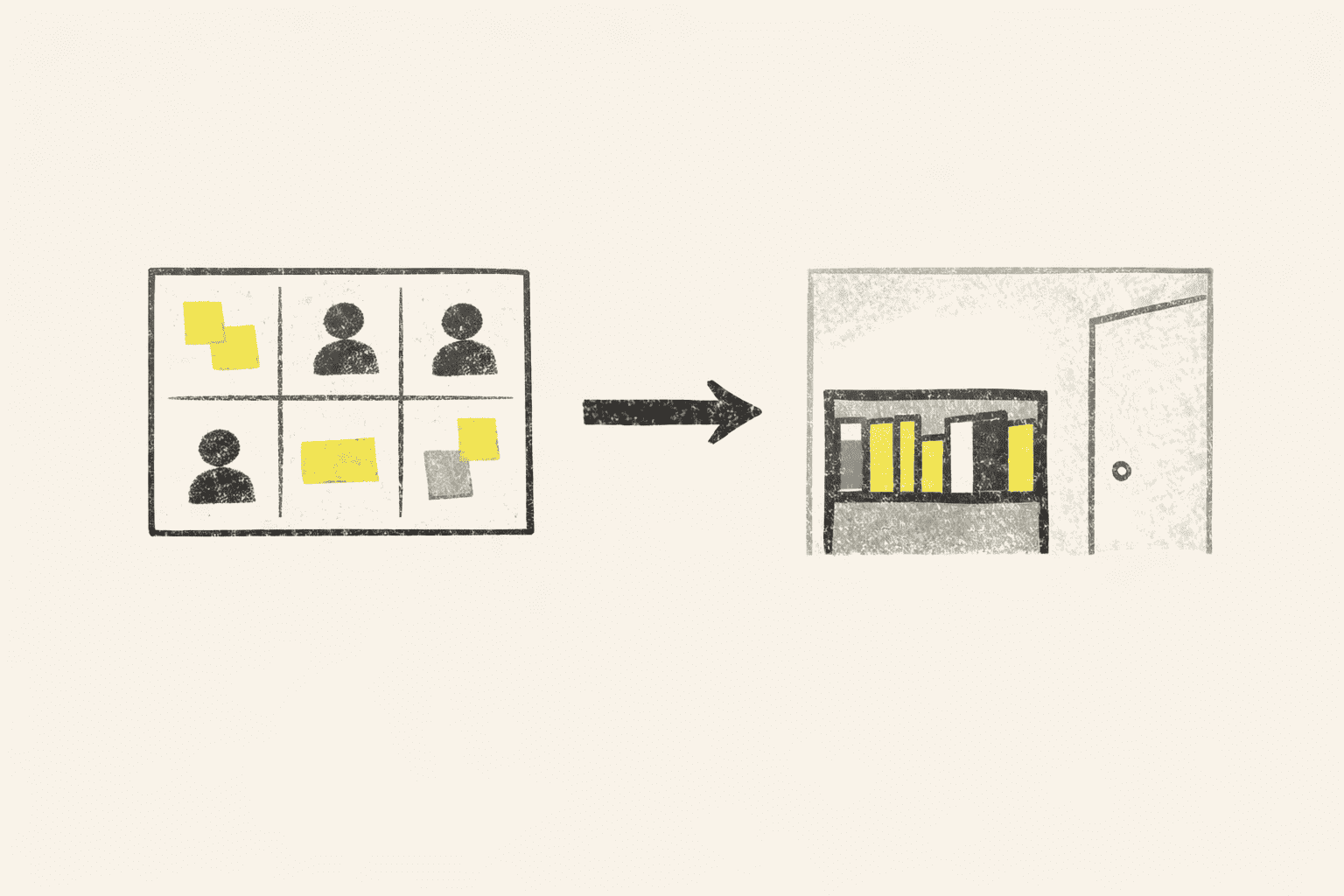
When Pinterest stops helping
Discovery can stay public. Shortlists, sourcing, and retrieval usually need a quieter private library.
Can Your Moodboard Defend Itself?
A reference workflow proves itself when a client, a critique, or a shortlist forces you to explain your choices fast.